Leipzig
Completely free

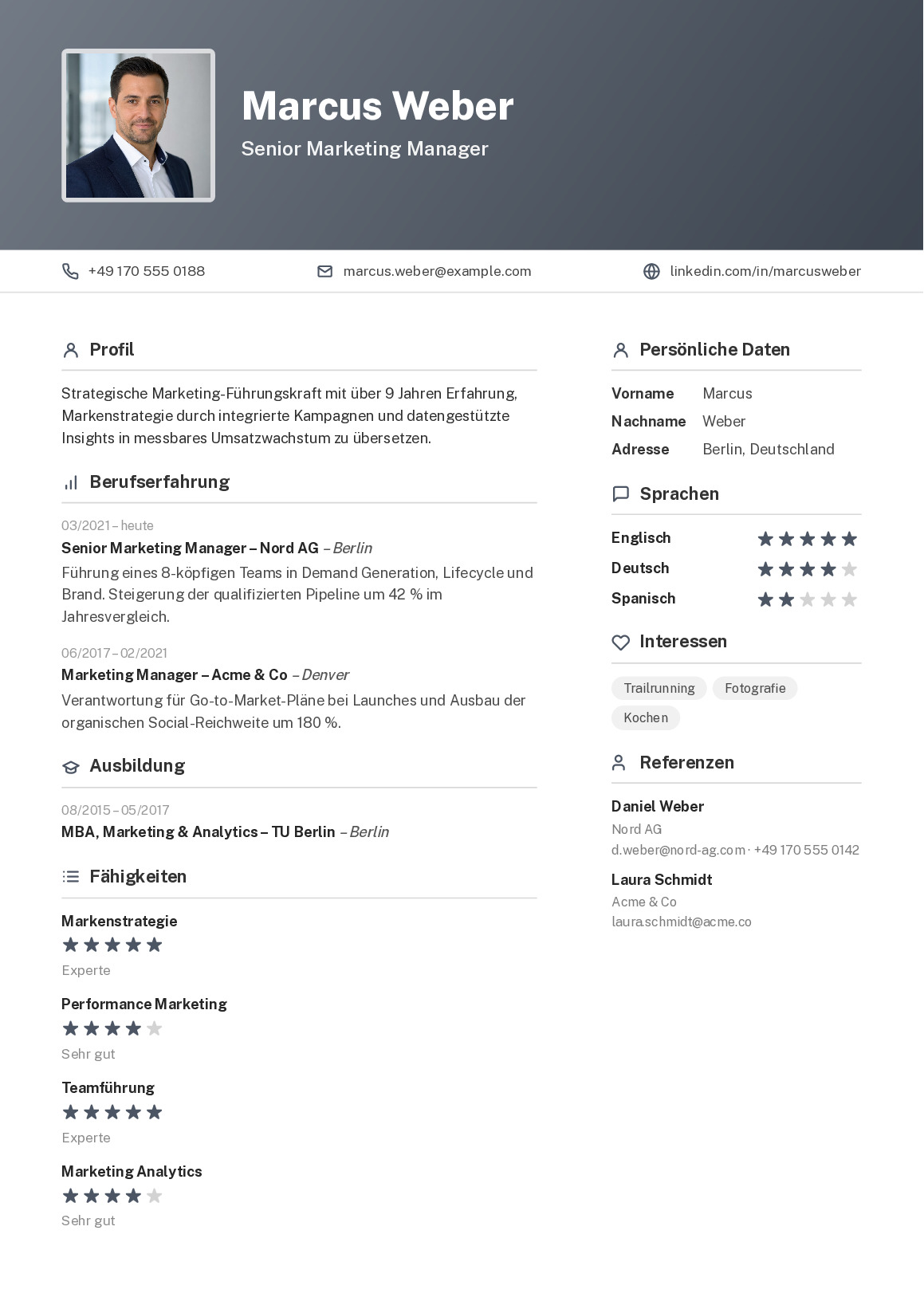
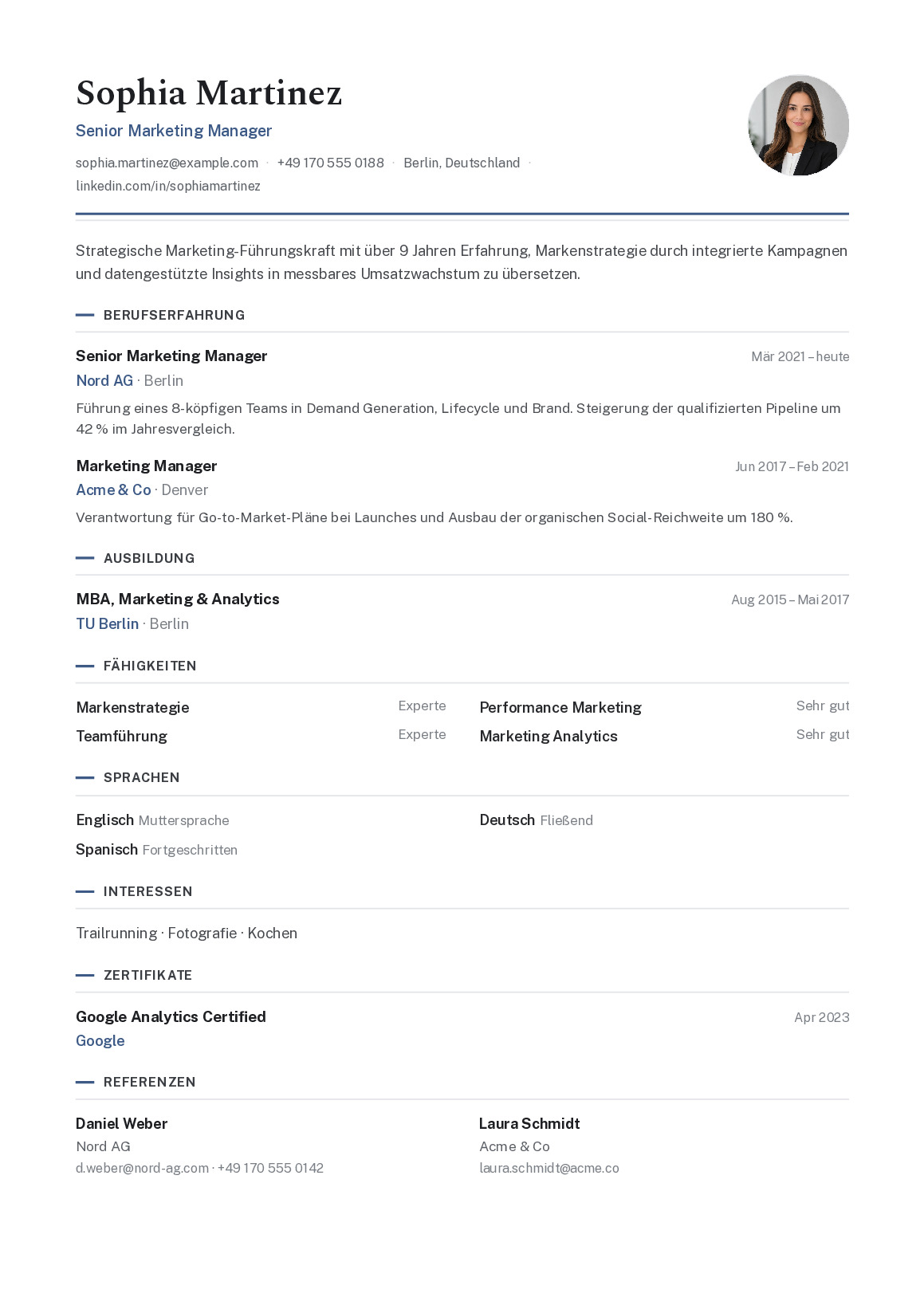
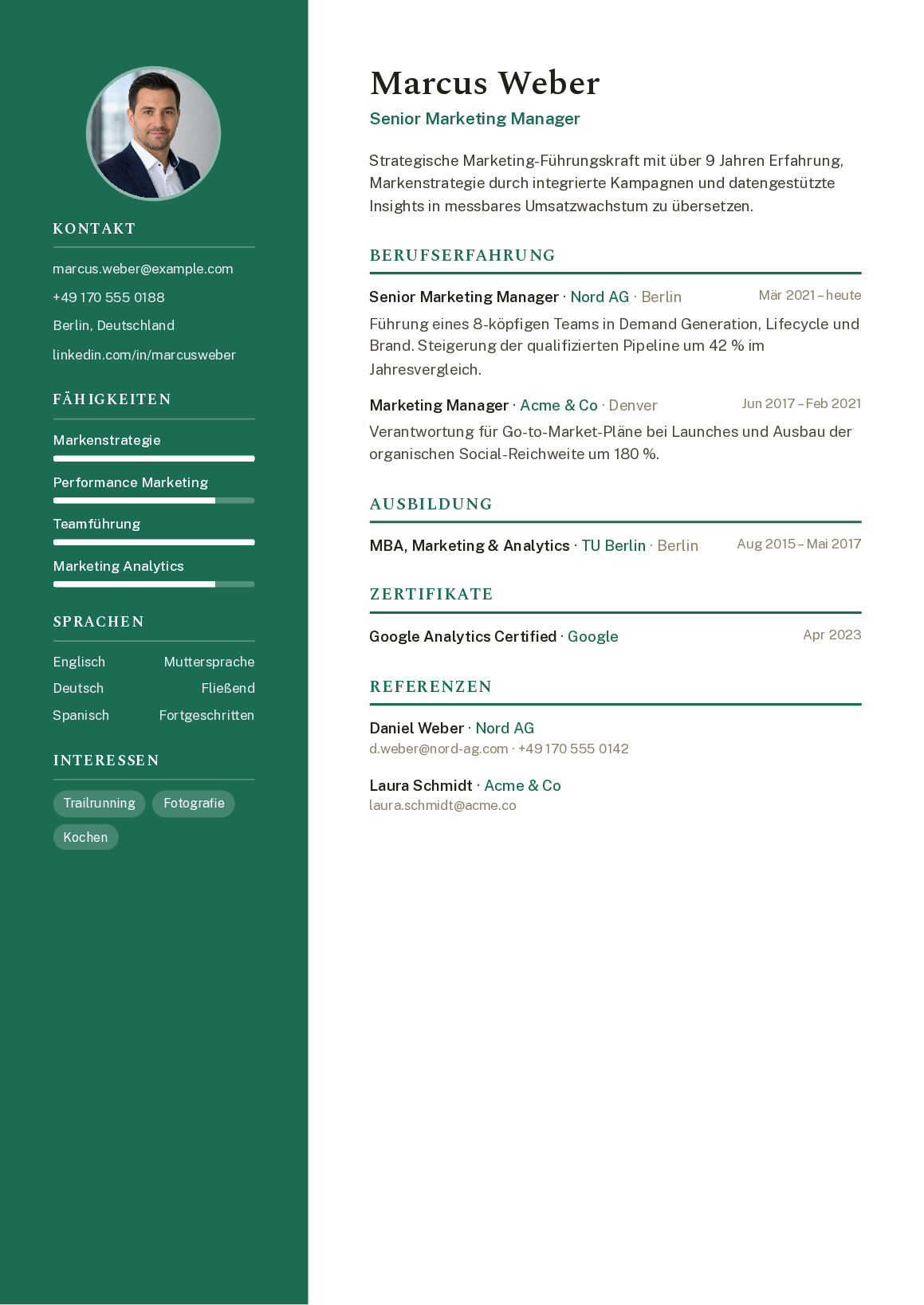
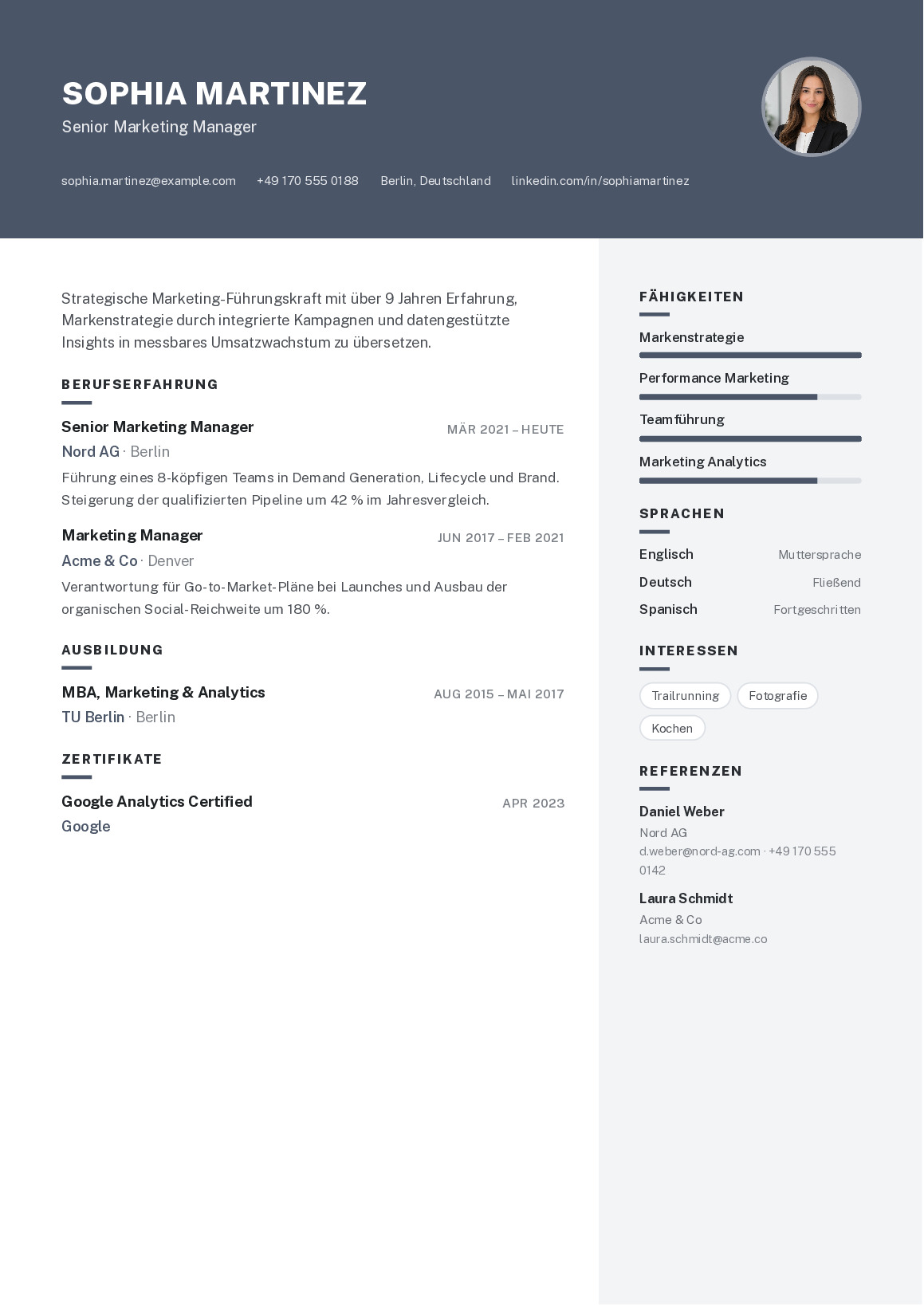
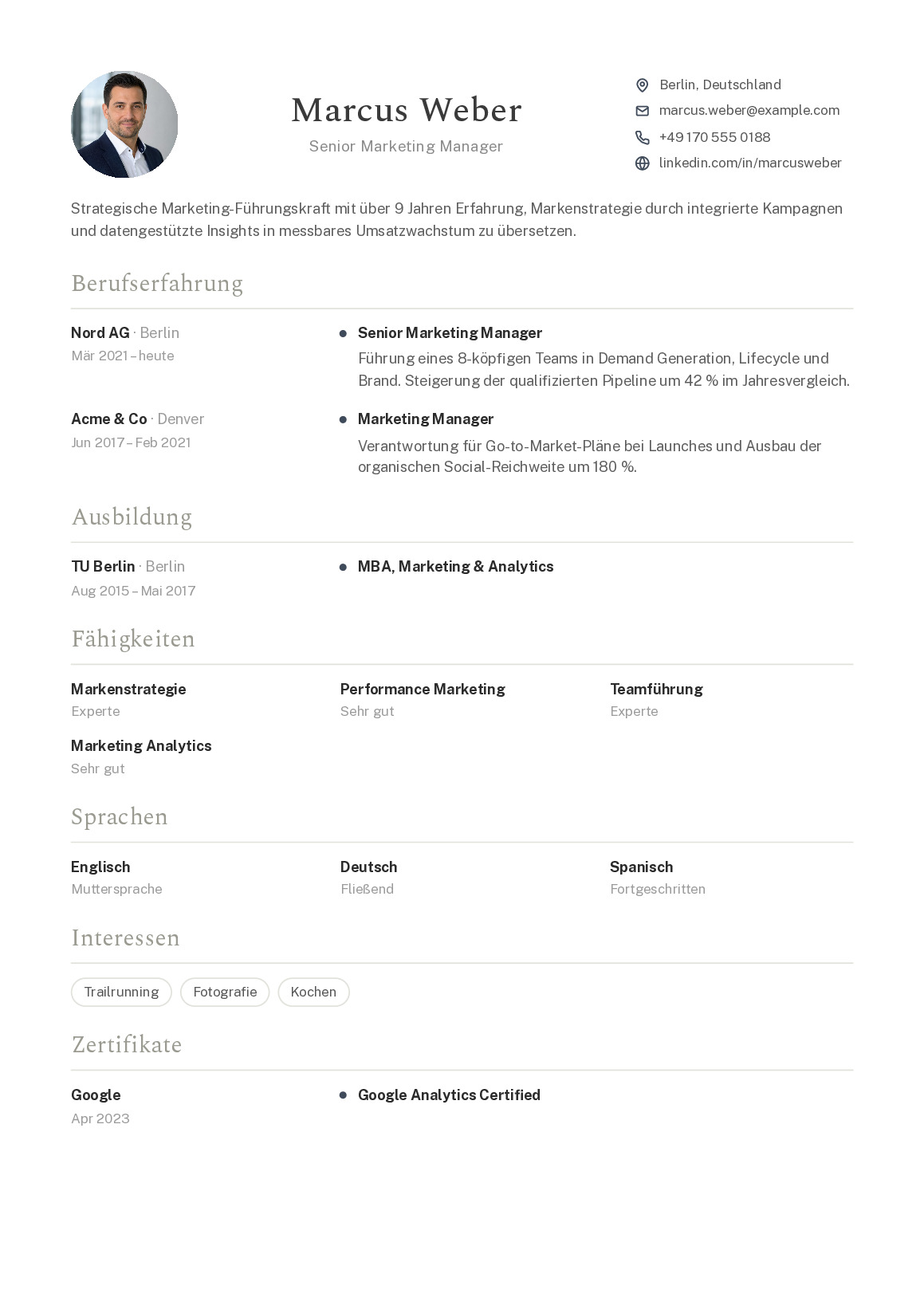
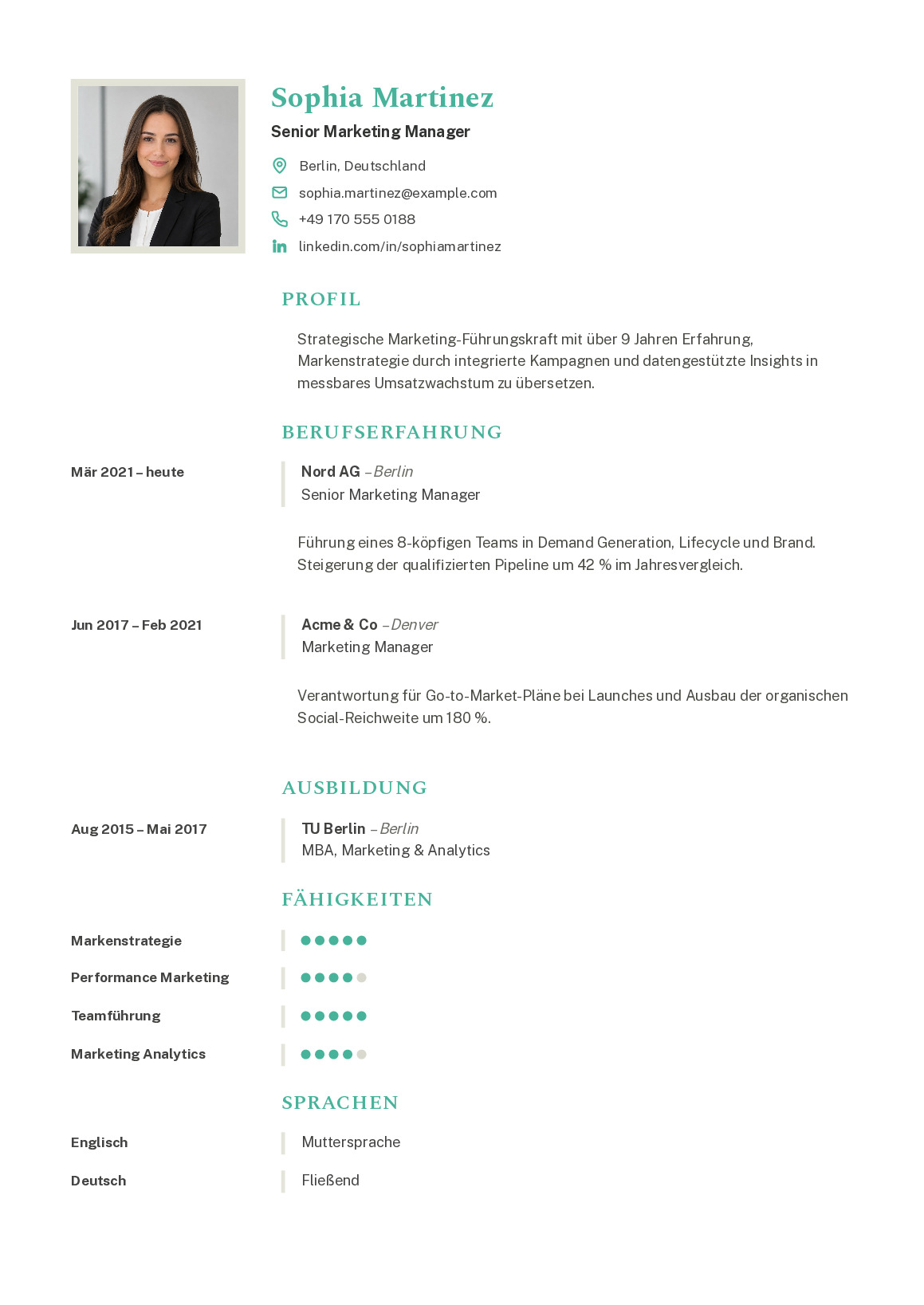
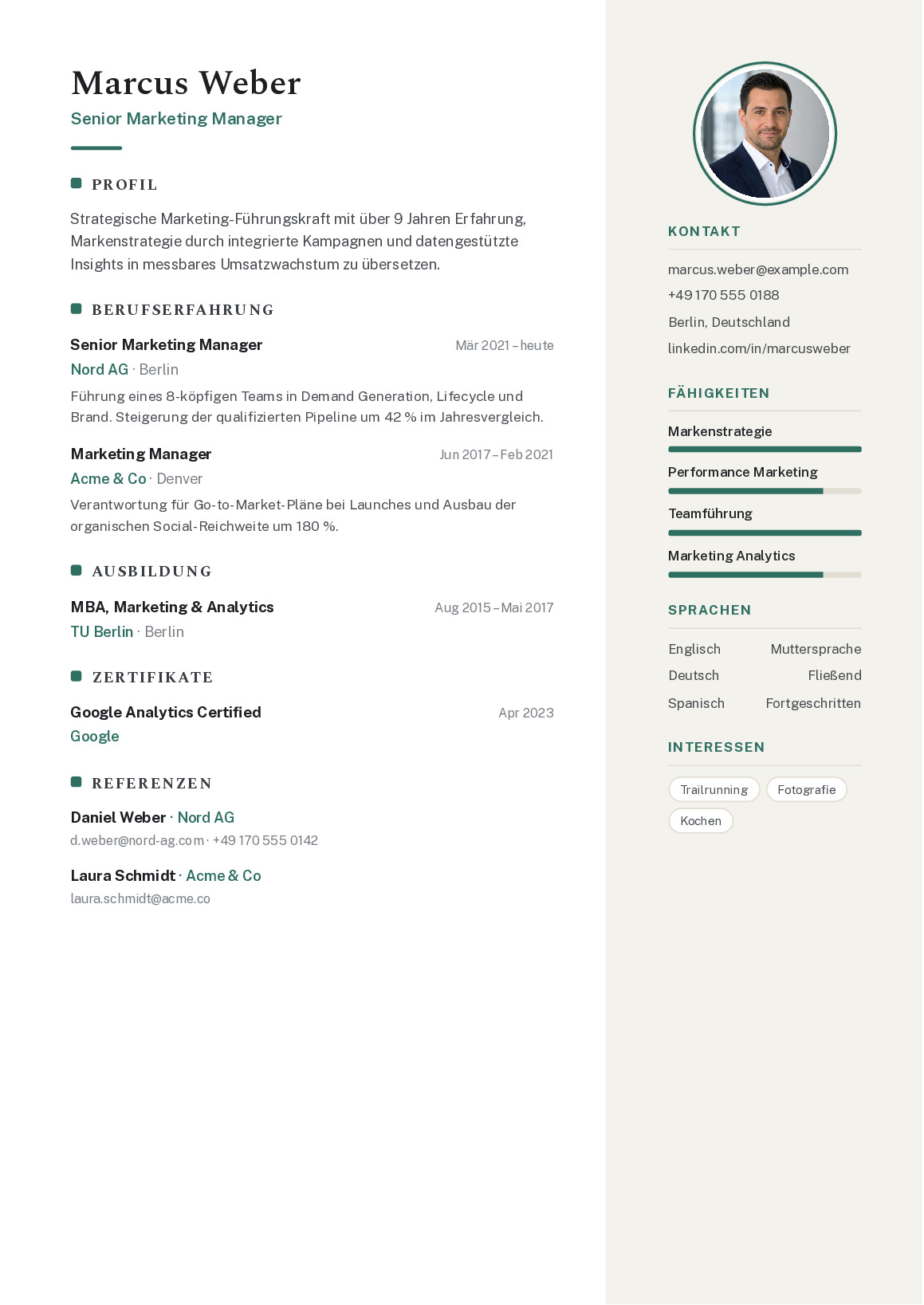
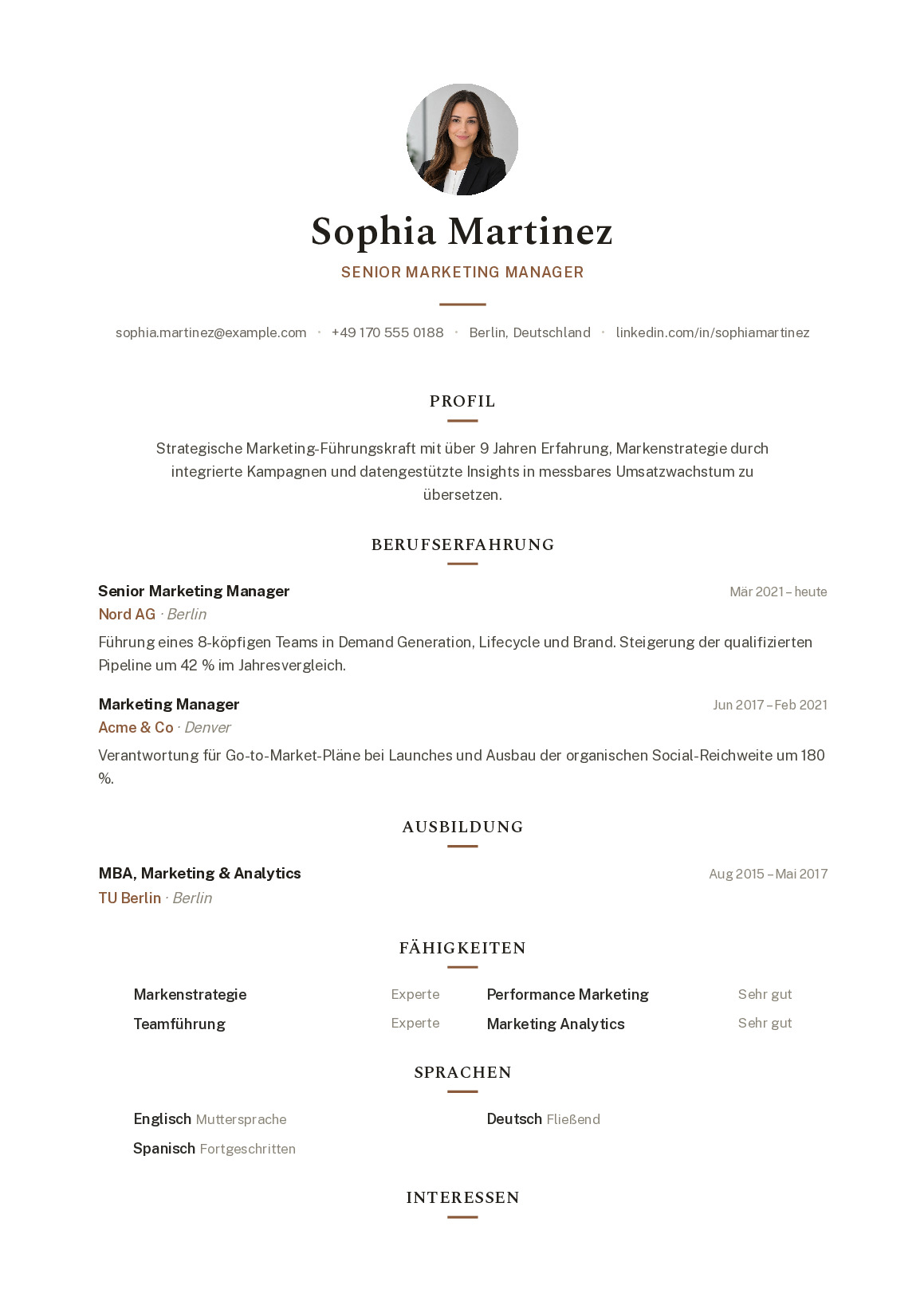
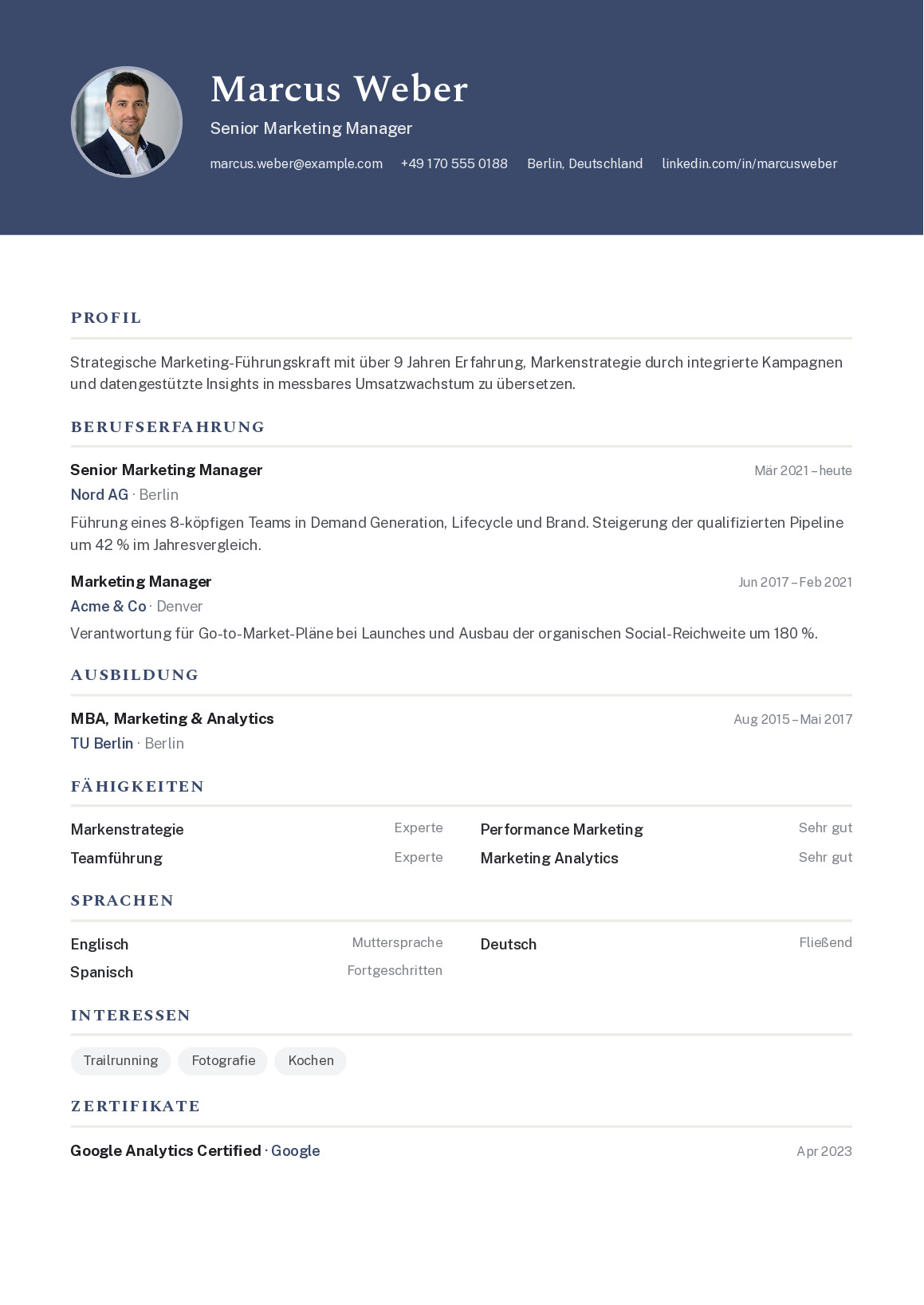
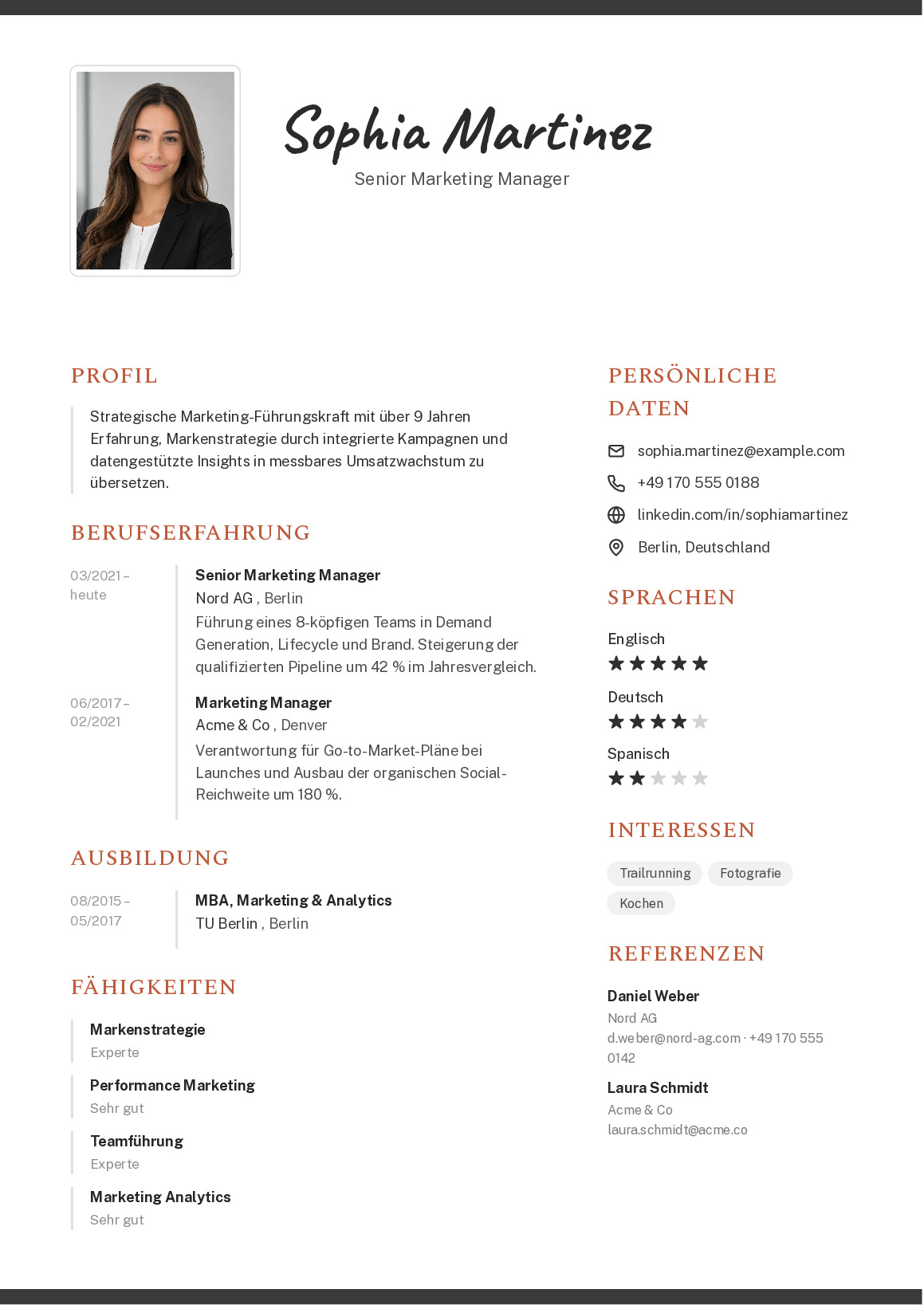
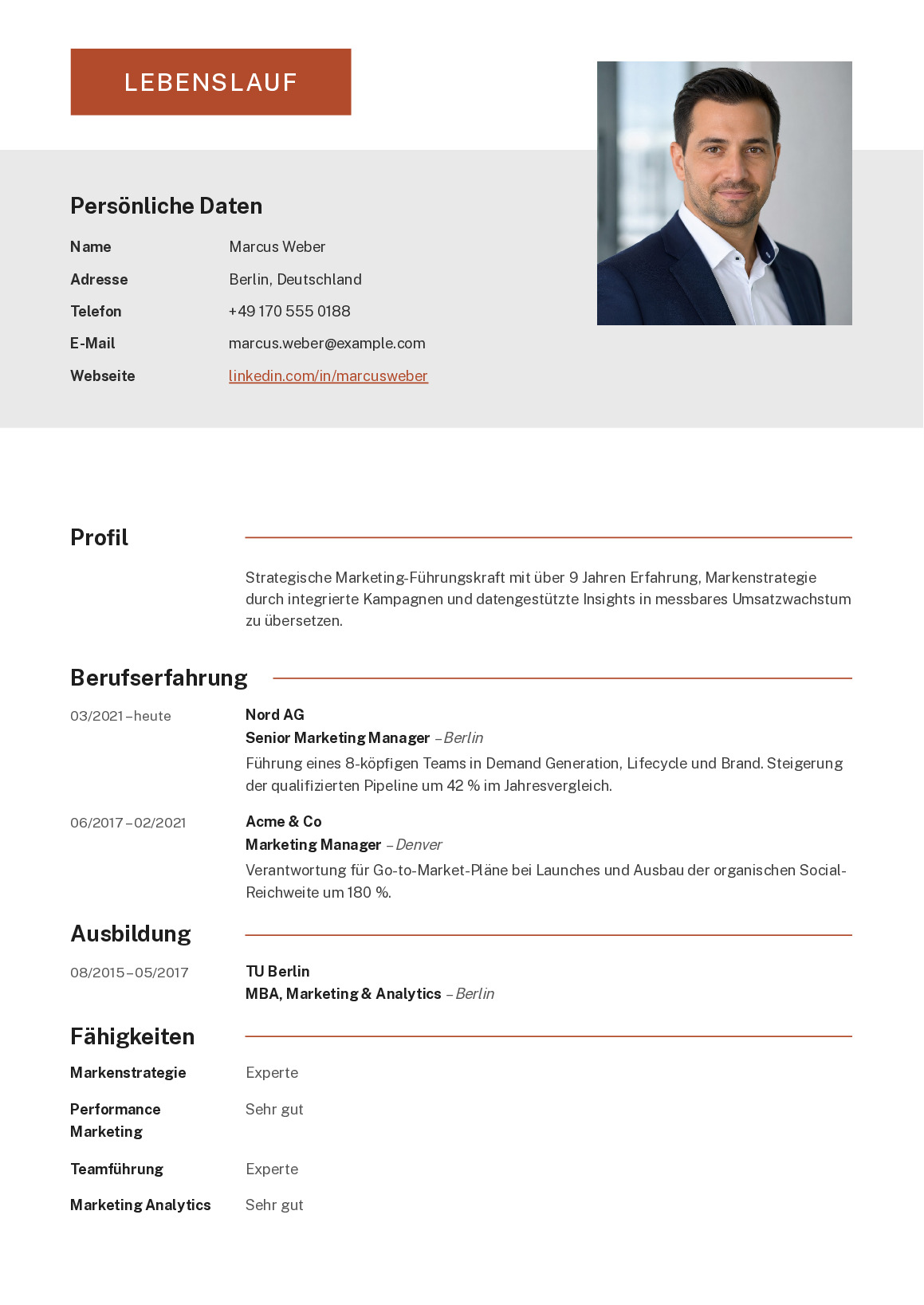
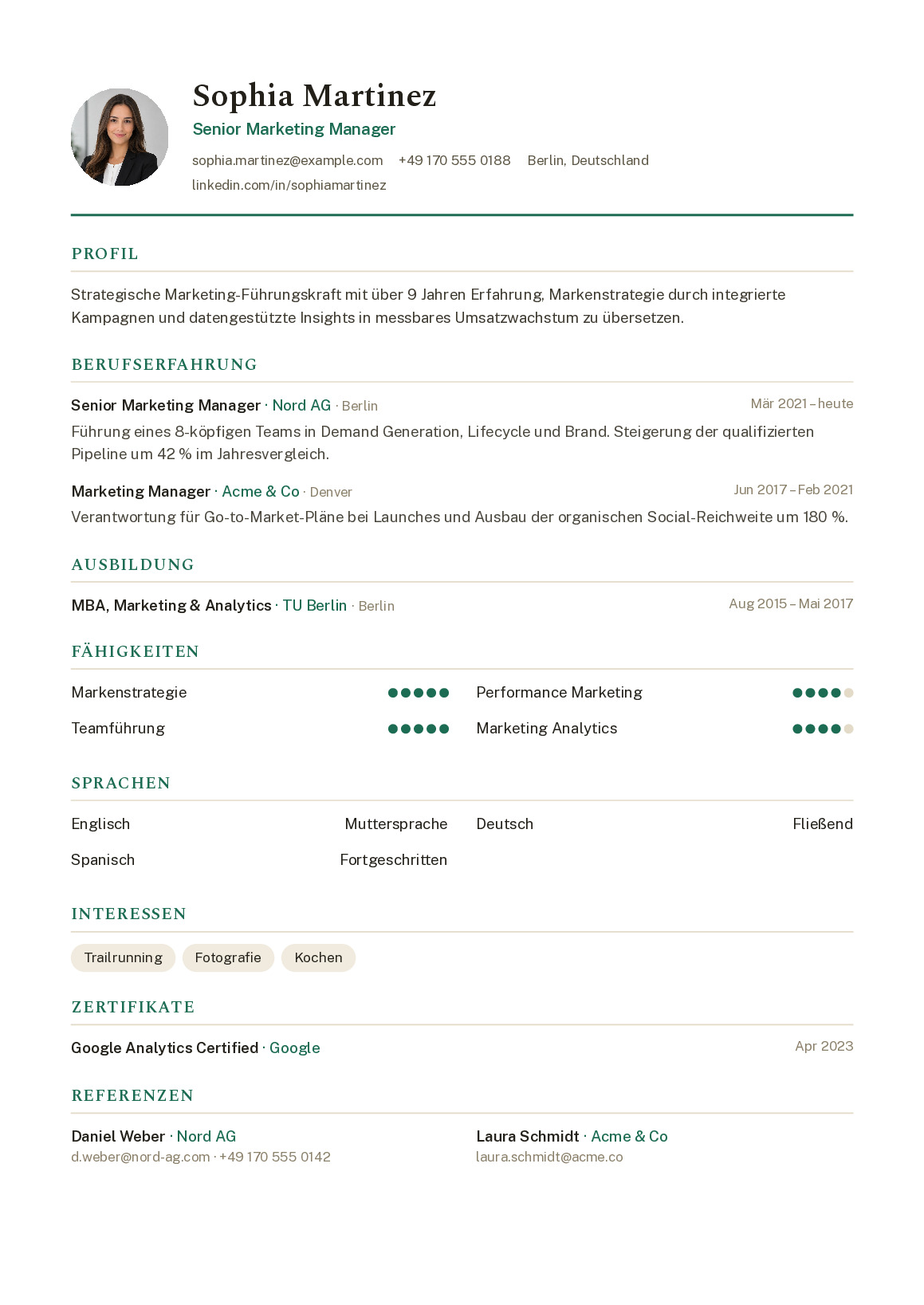
12 layouts that do what recruiters expect: reverse-chronological structure, clear sections, no overloaded design experiments. 5 of them are additionally optimised for applicant tracking systems. Pick a template, fill it in in your browser, download it as a PDF – and switch template at any time without retyping a thing.
There are no templates in this selection right now.
The choice depends less on taste than on the role. If you are applying in a classic environment – public sector, banking, law, industry – a sober single-column layout is the safe bet. In design-adjacent jobs a CV may show a little more personality, as long as the structure stays clear. When in doubt: a shade too plain beats a shade too colourful, because what gets read in the end is the content.
There is no one template that fits everybody – otherwise this page would get by with a single layout. Before you choose, spend a minute on the job advert and the company website: how formal is the language, how does the company present itself? A large engineering group expects a different feel from a 15-person digital agency.
With a photo, the country decides, not your taste. In the UK, Ireland, the US, Canada and Australia, leave it off – it is seen as an invitation to discriminate and can get your application filtered out. Across much of continental Europe it is still common. Every template here works with and without a photo.
Larger employers run applications through an applicant tracking system first. These systems parse your PDF automatically – and trip over multi-column layouts, text boxes or information tucked into headers and footers. The templates marked ATS-friendly keep the reading order simple, so roles and skills are picked up reliably. If you do not know whether your target employer runs such a system, one of these templates keeps you on the safe side.
Almost every CV is made of the same building blocks: contact details, a short profile, work experience, education, skills. For most industries and experience levels these should fit on one page. Anyone spilling onto two pages has usually not done too much, but selected too little.
What matters is the balance of text and white space. A CV that fills every gap looks cramped and gets skimmed rather than read. The templates take most of that judgement off your hands: spacing, font sizes and breaks are already set, so you only decide what goes in. Sections can be added, removed and reordered – if your skills need more room than your career history, just move them up.
Tailoring a CV to the job in front of you is standard practice now, not a bonus. That does not mean starting from scratch every time: you can switch template whenever you like and your content is kept. So you can try two or three layouts side by side and use a different one for a conservative employer than for a start-up – without typing anything twice. Each version downloads as its own PDF.
2 templates are completely free to use and download as a PDF. The premium templates are open to you as well – on the free plan they carry a watermark, which premium removes. Premium is a one-off payment with no automatic renewal and additionally unlocks the AI writing help and the signature upload.
Still unsure about the content? Our guide walks you through it section by section: how to write a CV. And if a matching cover letter should come with it, it picks up your template's design automatically.
No sign-up, straight in your browser. You can switch template at any time – your content stays with you.